1
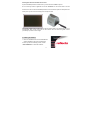
Cleaning the dust from the film scanner lens:
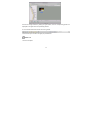
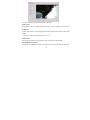
Open the MediaImpression 2 software as if you were about to convert a picture.
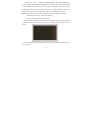
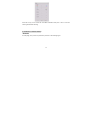
Do not insert any slides or negatives into the film converter slot. You will be able to see the
dust that is on the lens from the MediaImpression 2 live view window. (See the example shown
below) Then you can use the cleaning brush to wipe the dust.
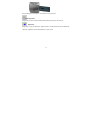
We strongly suggest using a clean, dry, non-alcohol cotton swab or the cleaning brush that is
included with your unit to insert into the film scanner slot and clean the glass surface
periodically to produce a clear image.
3. Installing the software
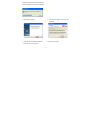
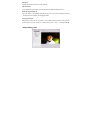
1. Insert the installation CD into the CD-ROM drive
and the installation CD menu should appear.
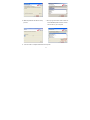
2. When you see the following screen, choose
“Arcsoft Software” to install the software.
-4-