1
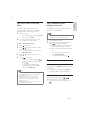
Listen to the iPod/iPhone/
iPad
1
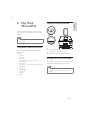
Make sure that your iPod/iPhone/iPad has
been loaded securely.
2
Press DOCK to select iPod/iPhone/iPad
source.
3
Play audio on your iPod/iPhone/iPad.
$ To pause/resume play, press
.
$ To skip to a track, press / .
$ To select a track, press / to
select an item, and then press OK to
'
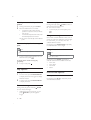
Remove the iPod/iPhone/iPad
1
2
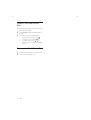
Pull the iPod/iPhone/iPad out of the dock.
22
EN
Press down to hide the dock.