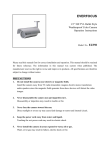
1
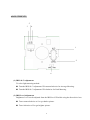
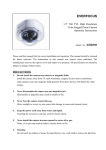
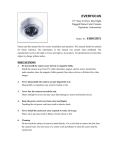
(1) Camera Cover
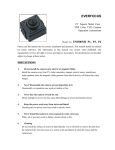
This cover will protect the camera from dust and damage.
(2) Lens
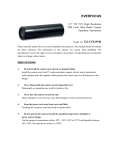
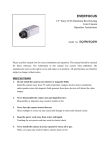
This Vari-Focal Lens allows users to adjust the Zoom and Focus manually.
(3) Base
The camera unit is set in the dome base when it is shipped from the factory.
(4) Focus Ring
To set the focus, loosen the Focus ring knob first, then turn the ring toward <∞> or <N> as
necessary. When the focus is obtained as desired, tighten the focus ring knob.
(5) Zoom Ring
Loosen the zoom ring knob, then you can adjust the viewing range. Turn the ring towards <W>
for WIDE or <T> for TELE as necessary. When the setting is finished, tighten the zoom ring
knob.
(6) Power input
Use the connector to connect with 12VDC/24VAC power adaptor.
(7) Video Output BNC Connector
Use the connector to connect with the video in connector of a monitor.
4