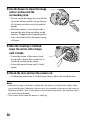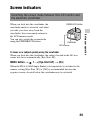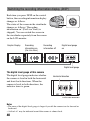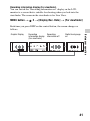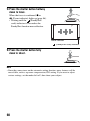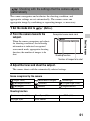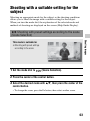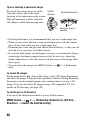
1
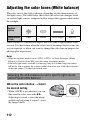
Shooting panoramic images (Sweep Shooting)
This mode is suitable for
z Shooting expansive scenery, or high-rise buildings with dynamic composition.
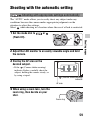
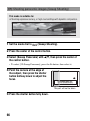
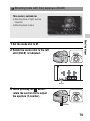
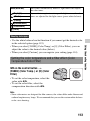
1 Set the mode dial to
(Sweep Shooting).
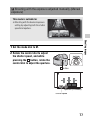
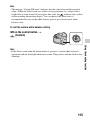
2 Press the center of the control button.
3 Select [Sweep Panorama] with v/V, then press the center of
the control button.
• To select [3D Sweep Panorama], press the Fn button, then select it.
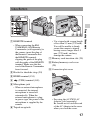
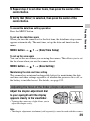
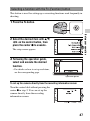
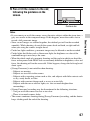
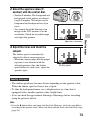
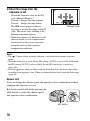
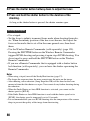
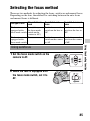
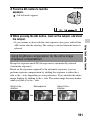
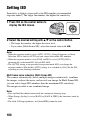
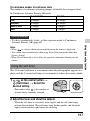
4 Point the camera at the edge of
the subject, then press the shutter
button halfway down to adjust the
focus.
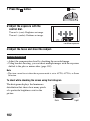
This part will not be taken
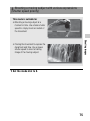
5 Press the shutter button fully down.
66