1
6.4.3
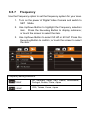
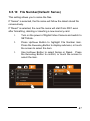
Autoplay
1.
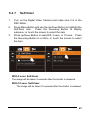
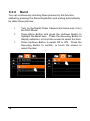
Turn on the power of Digital Video Camera and make sure
it is in the Playback Mode.
2.
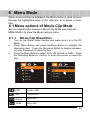
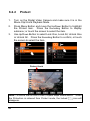
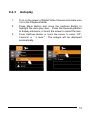
Press Menu Button and move the Up/Down Button to
highlight the Auto play item. Press the Recording Button
to display submenu; or touch the screen to select the item.
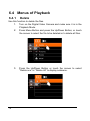
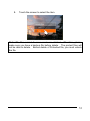
3.
Press Up/Down Button or touch the screen to select “Off”,
1second, or “ 3 secs." , The images will be displayed
automatically.
75