1
OPERATING THE
DIGITAL SIGNAGE PLAYER WITH WI-FI PLUS
Powering the Digital Signage Player
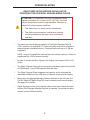
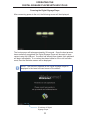
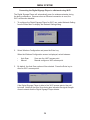
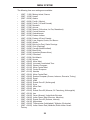
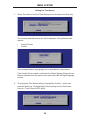
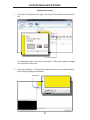
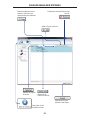
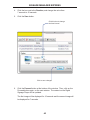
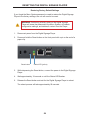
After connecting power to the unit, the following screen will be displayed:
The boot process will take approximately 90 seconds. Once the boot process
has successfully completed, the Digital Signage Player will be ready to sync
content using the USB port. If content has already been loaded, then playback
will begin immediately. If no content has been loaded or if the unit has been
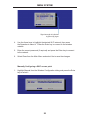
reset, then the Welcome screen will be displayed.
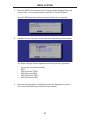
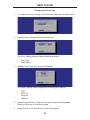
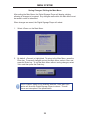
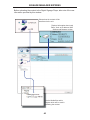
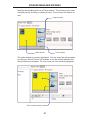
NOTE: The current IP address of the Digital Signage Player is
displayed in the lower left-hand corner of the screen.
IP address of Digital
Signage Player
11