1
Ultimate PVR with HD Digital Jukebox
9.2 Unplug or Eject Hardware
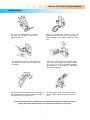
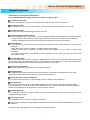
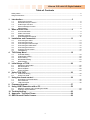
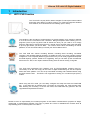
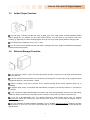
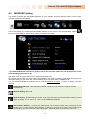
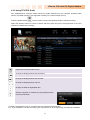
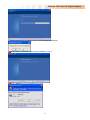
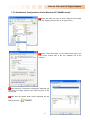
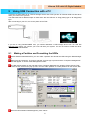
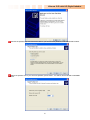
On the windows tray,
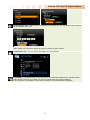
double click the hot swap icon. The “Unplug or Eject Hardware”
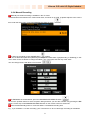
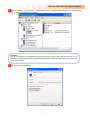
window will appear. Press the Stop button if you want to unplug the device.
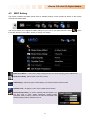
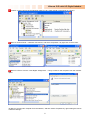
Press OK on “Stop a Hardware device” window.
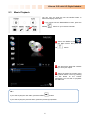
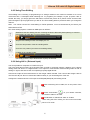
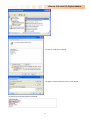
Press OK and unplug the device.
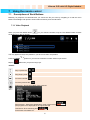
Close TViX folder or disk on My computer before unplugging the Hard disk.
If TViX folder is open, unplugging it may not work properly.
62