1
English
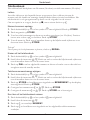
Deleting all entries in the Phone book
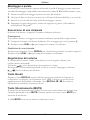
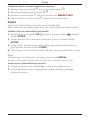
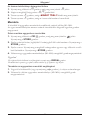
1. Press b repeatedly until the symbol b is displayed.
2. Scroll through the entries using v/V.
3. Press and hold C until the display shows DELETE ALL ?.
4. Press and hold C again until all the numbers disappear.
Memory
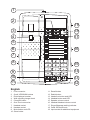
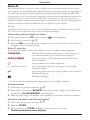
This telephone has 16 One-Touch memories numbered M1-M16.
Once a number has been stored in a memory location, you only need to press one
button to make the call.
Storing One-Touch Memories
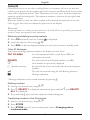
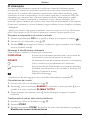
1. Press CID/b repeatedly until the symbol
is displayed. Press STORE.
2. Enter the telephone number to be stored (up to 22 digits). Press STORE.
3. Enter name. Press the corresponding number key one or more times for the first
letter. Press STORE.
4. Select a One-Touch memory location (M1-M16) by pressing the corresponding
button.
Please note!
If you need to insert a pause in the telephone number press REDIAL.
If you need to change a number, store the new number in the same location as the old one.
Dialling using One-Touch Memories
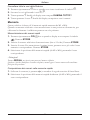
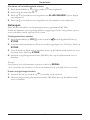
1. Lift the handset (or press s) and wait for a dial tone.
2. Select the required One-Touch memory location (M1-M16) by pressing the
corresponding button.