1
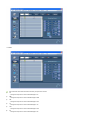
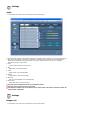
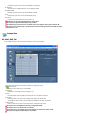
Adjusting the LCD Display
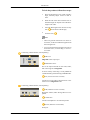
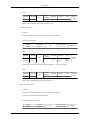
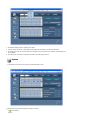
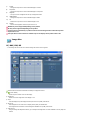
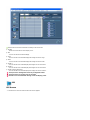
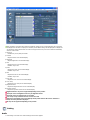
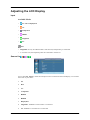
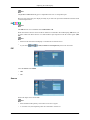
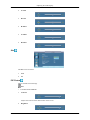
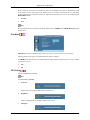
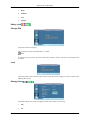
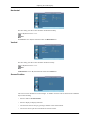
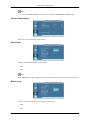
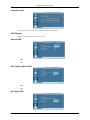
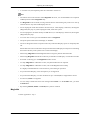
When a DVD or set-top box is connected to your TV via HDMI, it may cause a degradation in the
screen quality, such as an increase in the black level, a low contrast, or discoloration, etc., depending
on the external device connected. In this case, adjust the screen quality of your TV by configuring the
HDMI Black Level.
1.
Normal
2.
Low
Note
For Timing which can be used for both the PC and the DTV in HDMI mode, HDMI Black Level will
be activated.
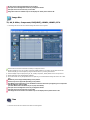
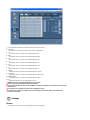
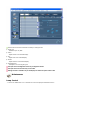
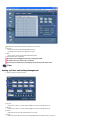
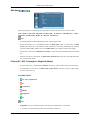
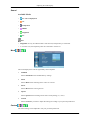
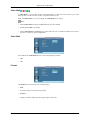
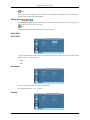
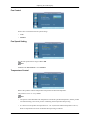
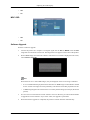
Film Mode
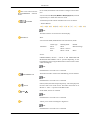
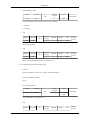
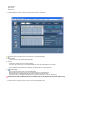
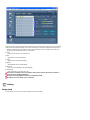
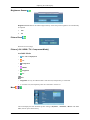
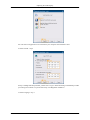
Film Mode calibrates unnatural pictures that may occur in a movie (which is in 24 frames).
Moving subtitles may appear corrupted when this mode is enabled.
(In HDMI mode, this function is available when the input signal is interlaced scan; it is not available
in progressive scan.)
1.
Off
2.
On
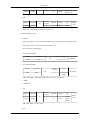
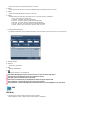
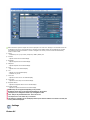
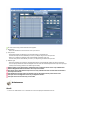
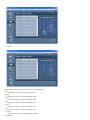
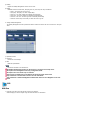
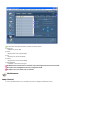
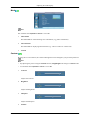
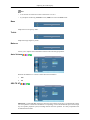
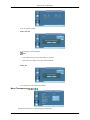
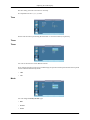
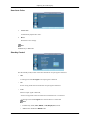
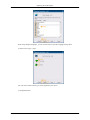
PIP Picture
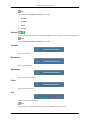
Adjusts the PIP Screen Settings.
Note
Available Modes: PIP On
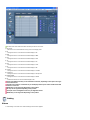
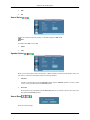
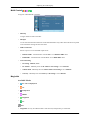
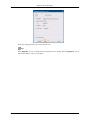
1.
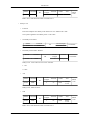
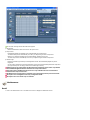
Contrast
Adjusts the Contrast of the PIP window on the screen.
2.
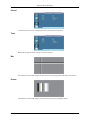
Brightness
Adjusts the Brightness of the PIP window on the screen.
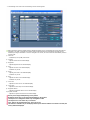
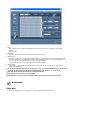
3.
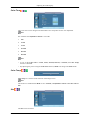
Sharpness