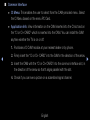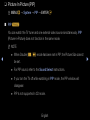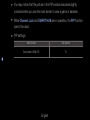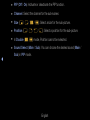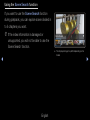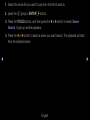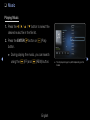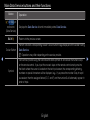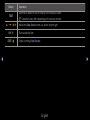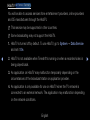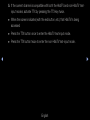
1
Creating My Playlist
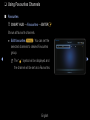
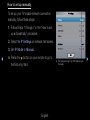
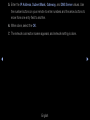
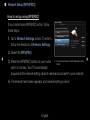
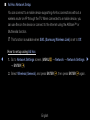
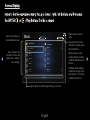
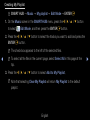
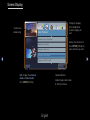
OO SMART HUB → Music → My playlist → Edit Mode → ENTERE
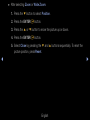
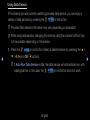
1. On the Music screen in the SMART HUB menu, press the l / r / u / d button
Edit Mode, and then press the ENTERE button.
to select
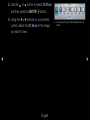
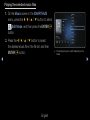
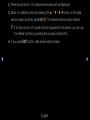
2. Press the l / r / u / d button to select the tracks you want to add and press the
ENTERE button.
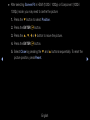
NN The check box appears to the left of the selected files.
◀
NN To select all the files in the current page, select Select All in this page at the
top.
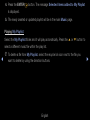
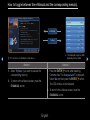
3. Press the l / r / u / d button to select Add to My Playlist,
NN Note that selecting Clear My Playlist will return My Playlist to the default
playlist.
English
▶