1
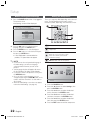
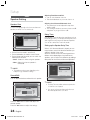
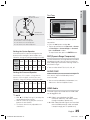
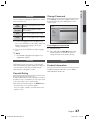
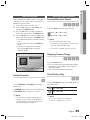
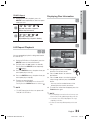
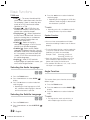
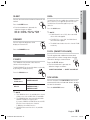
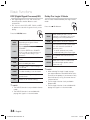
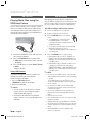
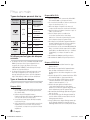
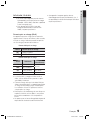
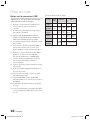
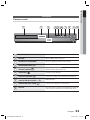
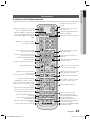
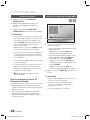
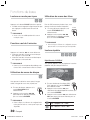
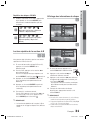
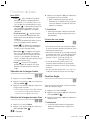
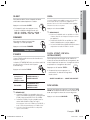
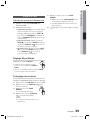
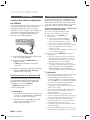
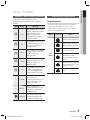
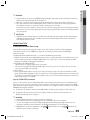
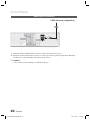
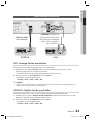
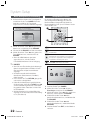
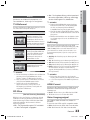
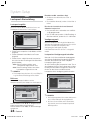
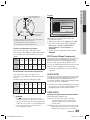
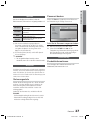
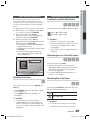
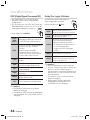
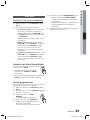
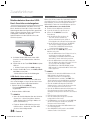
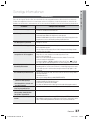
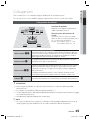
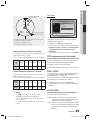
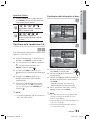
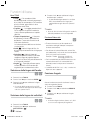
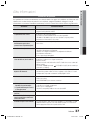
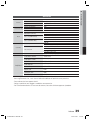
04 Displaying Disc Information 1. During the CD/ MP3 playback, press the REPEAT button repeatedly to select the repeat mode you want. B d Basic Functions CD/MP3 Repeat 1/1 2/20 (Repeat Off Repeat Disc Repeat All Random Repeat Section A-B) 0:05:21 1/1 EN AC3 5.1 1/1 EN A 1/1 (Repeat Off Repeat Track Repeat Dir (Directory) Repeat All Random) Change Select D A-B Repeat Playback dB 1/6 1/1 1/1 EN You can repeatedly play back a designated section of a DVD or CD. Change Select 1. During the DVD disc or CD playback, press the REPEAT button on the remote control. 2. For DVD, press the ▲▼ buttons to select A-. For CD press the REPEAT button repeatedly until appears. 3. Press the ENTER button at the point where you want repeat play to start (A). 4. Press the ENTER button at the point where you want repeat play to stop (B). 5. To return to normal playback, For DVD, press the ▲▼ buttons to select to OFF. For CD, press the REPEAT button to select to . ✎ NOTE The A-B Repeat function does not operate with DivX, MP3 or JPEG discs. TOOLS 1. During playback, press the TOOLS button on the remote control. 2. Press the ▲▼ buttons to select the desired item. 3. Press the ◄► buttons to make the desired setup change and then press the ENTER button. - You may use the number buttons of the remote control to control some items. 4. To make Disc information disappear, press the TOOLS button again. ✎ NOTE If you are playing contents from the tools menu, some functions may not be enabled depending on the disc. You can also select DTS, Dolby Digital or Pro Logic, depending on the disc. Some tools menus may differ depending on discs and files. English HT-D450-XU-ENG-1228.indd 31 31 2011-12-28 5:10:16