1
Media
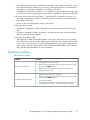
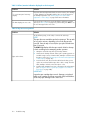
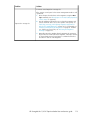
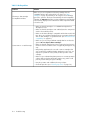
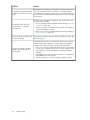
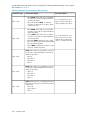
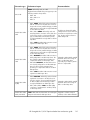
Once the data gets to the tape drive, it must be written onto the tape. If there are no bottlenecks and
the Autoloader starts having performance problems:
• Try a new cartridge. A marginal cartridge can cause performance problems when the tape drive
has to retry writing to bad spots on the tape.
• Clean the tape drive. See “Tape cartridges” on page 43 for instructions.
Service and repair
Releasing the magazines manually
If you cannot remove the magazines via the OCP or RMI, do the following:
1.
Unplug the power cord from the device.
2.
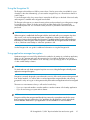
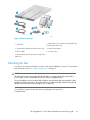
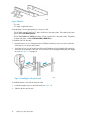
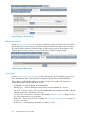
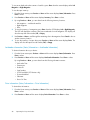
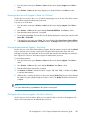
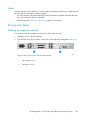
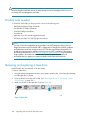
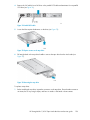
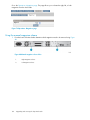
From the back of the device, find the access holes for the right and left magazines. See Figure
63.
Figure 63 Access holes for the right and left magazine
.
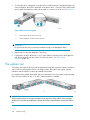
1.
Right magazine release
2.
Left magazine release
HP StorageWorks 1/8 G2 Tape Autoloader User and service guide
127