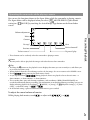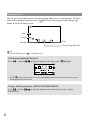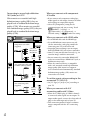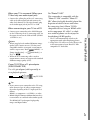
1
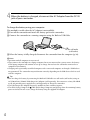
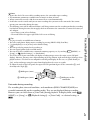
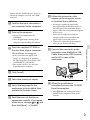
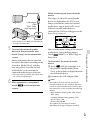
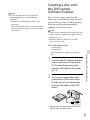
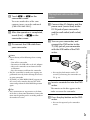
Notes If your camcorder does not recognize the external media device, try the following operations. Reconnect the USB Adaptor Cable to your camcorder. If the external media device has the AC power cord (mains lead), connect it to the wall outlet (wall socket). Creating a disc with the DVD writer, DVDirect Express You can create a disc or play back the images on a created disc by using the DVD writer, DVDirect Express (sold separately). Refer also to the instruction manual supplied with the DVD writer. Notes Connect your camcorder to the wall outlet (wall socket) using the supplied AC Adaptor for this operation (p. 13). DVDirect Express is referred to as “DVD writer” in this section. Discs that can be used 12 cm DVD-R DVD+R The device does not support two-layered discs. 12 cm Saving images with an external device 1 Connect the AC Adaptor and the power cord (mains lead) to the DC IN jack of your camcorder and the wall outlet (wall socket) (p. 13). 2 Turn on your camcorder, and connect the DVD writer to the (USB) jack of your camcorder with the USB cable of the DVD writer. You cannot use the Built-in USB Cable for this type of connection. GB 47