1
VIVOTEK
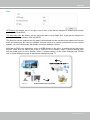
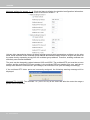
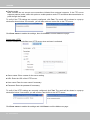
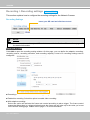
Enable IPv6
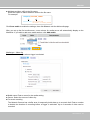
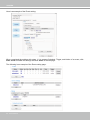
Select this option and click Save to enable IPv6 settings�
Please note that this only works if your network environment and hardware equipment support IPv6� The
browser should be Microsoft® Internet Explorer 6�5, Mozilla Firefox 3�0 or above�
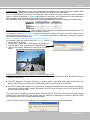
When IPv6 is enabled, by default, the network camera will listen to router advertisements and be
assigned with a link-local IPv6 address accordingly�
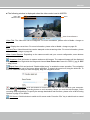
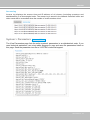
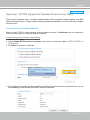
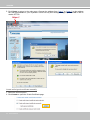
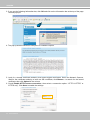
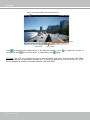
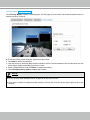
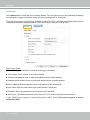
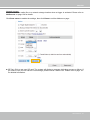
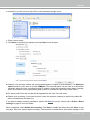
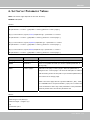
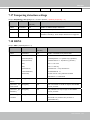
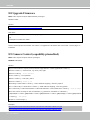
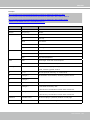
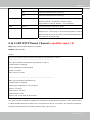
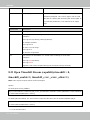
IPv6 Information: Click this button to obtain the IPv6 information as shown below�
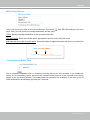
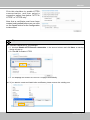
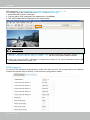
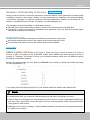
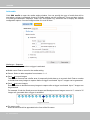
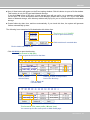
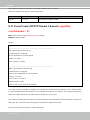
If your IPv6 settings are successful, the IPv6 address list will be listed in the pop-up window� The IPv6
address will be displayed as follows:
Refers to Ethernet
Link-global IPv6 address/network mask
Link-local IPv6 address/network mask
User's Manual - 55