1
1
Getting information
Type of information
Where to find
●
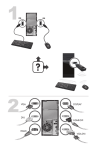
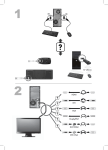
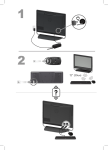
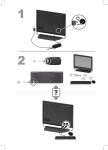
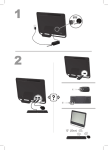
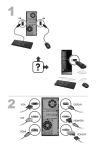
Set up your computer.
Setup poster included with your computer.
●
See how-to videos about using
the features of your computer.
Visit www.hp.com/supportvideos (English only)
●
Use the computer.
Getting Started (this guide)
●
Connect to the Internet.
●
Recover factory settings.
●
Learn how to use the
Microsoft® Windows® 7
operating system.
●
Find Windows 7 password
information.
●
Troubleshoot the most common
computer hardware and
software issues.
●
Find links to driver updates.
●
Read frequently asked
questions.
●
Find electronic user guides and
specifications for your
computer model.
●
Order parts and find additional
troubleshooting help.
●
Upgrade or replace
components of your computer.
Help and Support
Click the Start button, and then click Help and Support or visit
www.hp.com/go/win7.
Windows 7 troubleshooting tools
1.
Click the Start button, click Control Panel, and then click System
and Security.
2.
Under Action Center, click Find and fix problems
(troubleshooting).
HP Support Web site: www.hp.com/support
Upgrading and Servicing Guide
Click the Start button, click All Programs, and then click User Guides.
If the guide is not available there, visit www.hp.com/support
●
Find computer warranty
information.
●
Get technical support.
●
Get up-to-date information and
help from the Windows
community.
www.hp.com/support/consumer-forum
●
Connect to a TV.
Watching and Recording TV
Limited Warranty and Support Guide or the Warranty and Support
Information included with your computer.
Click the Start button, click All Programs, and then click User Guides.
If the guide is not available there, visit www.hp.com/support
ENWW
1