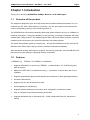
1
150Mbps Wireless Lite-N USB Adapter – APPUSB150
User’s Guide
English
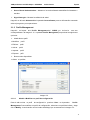
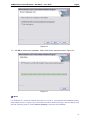
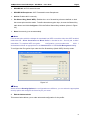
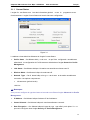
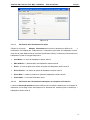
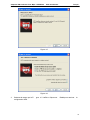
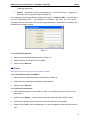
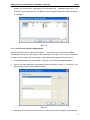
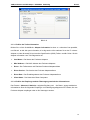
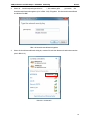
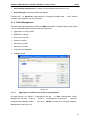
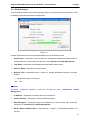
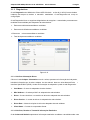
3.1.3.2. Check Receive and Transmit Statistical Information
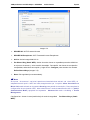
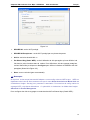
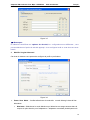
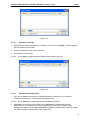
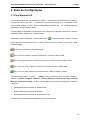
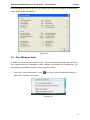
The Advanced Statistics show receiving and transmitting
following receiving and transmitting diagnostics for
statistical infor mation abou t the
frames received by or transmitted
to the
wireless network adapter.
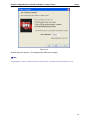
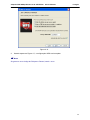
Figure 3-13
3.2
For Windows Vista
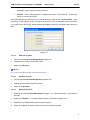
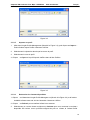
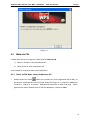
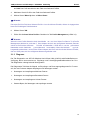
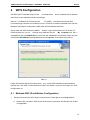
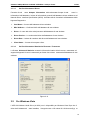
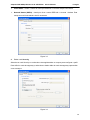
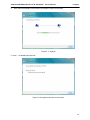
APPUSB150 Wireless Lite-N Client Utility (AWCU) is not available for Windows Vista. So after
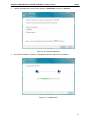
the Adapter's driver has been installed, we have to use Windows WLAN Autoconfig to establish
a connection. Please follow the steps below.
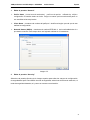
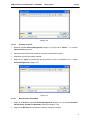
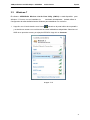
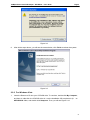
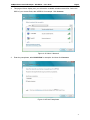
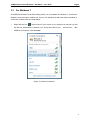
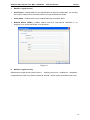
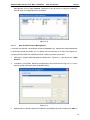
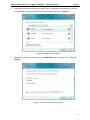
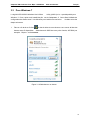
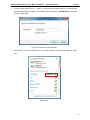
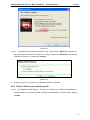
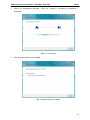
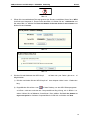
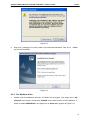
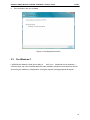
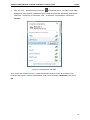
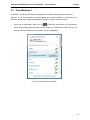
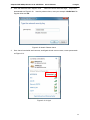
1.
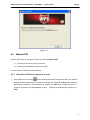
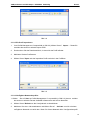
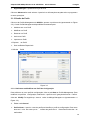
Right-click the icon
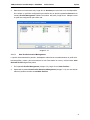
at the bottom of your screen in your system tray and then select
“Connect to a network”.
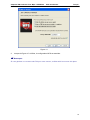
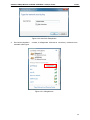
Figure 3-14
70