1
Caution: to use this device properly, please read the user’s guide before installation.
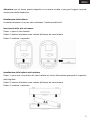
Installing the batteries
Wireless keyboard and optical mouse are using one AA alkaline batteries.
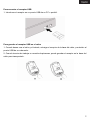
Installing batteries in the mouse
Step 1: open the battery compartment
Step 2: Insert the battery as shown inside the battery compartment
Step 3. Replace the cover
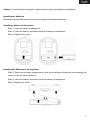
Installing the batteries in the keyboard
Step 1: Remove the battery compartment cover on the bottom of keyboard by squeezing the
cover in from the tab to release it
Step 2: Insert the battery as shown inside the battery compartment
Step 3 Replace the cover
3