1
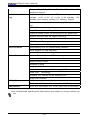
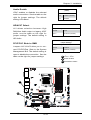
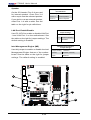
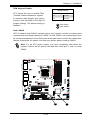
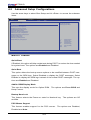
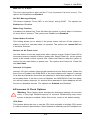
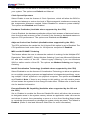
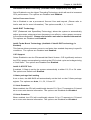
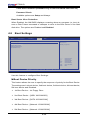
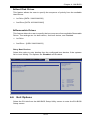
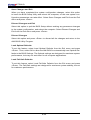
C7SIM-Q PCI IDE Bus Master When enabled, the BIOS uses PCI bus mastering for reading/writing to IDE drives. The options are Disabled and Default. ROM Scan Ordering This item determines what kind of option ROM to activate over another. The options are Onboard First and Add-on First. PCI Slot 1, PCIe Slot 2~4 OPROM Use this feature to enable or disable PCI slot Option ROMs. The options are Disabled and Enabled. Boot Graphics Adapter Priority Use this feature to select the graphics controller to be used as the primary boot device. The options are Other, Onboard VGA and Slot 6. Select Slot 6 if a graphics controller is installed in the CPU-controlled Slot 6 slot. Super IO Device Configuration Serial Port1 Address/ Serial Port2 Address This option specifies the base I/O port address and the Interrupt Request address of Serial Port 1 and Serial Port 2. Select Disabled to prevent the serial port from accessing any system resources. When this option is set to Disabled, the serial port physically becomes unavailable. Select 3F8/IRQ4 to allow the serial port to use 3F8 as its I/O port address and IRQ 4 for the interrupt address. The options for Serial Port1 are Disabled, 3F8/IRQ4, 2E8/IRQ3. The options for Serial Port2 are Disabled, 2F8/IRQ3, and 2E8/IRQ3. Onboard Floppy Controller Select Enabled to enable the onboard Floppy Controller. The options are Enabled and Disabled. Remote Access Configuration Remote Access This allows the user to enable the Remote Access feature. The options are Disabled and Enabled. If Remote Access is set to Enabled, the following items will display: Serial Port Number This feature allows the user to decide which serial port to be used for Console Redirection. The options are COM 1, COM 2 and COM 3. 4-12