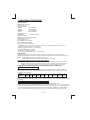
1
MUTE
BAND
1
2
3
4
5
6
DISP
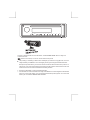
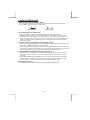
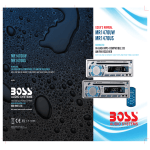
This unit is equipped with the most advanced “TOUCH SENSE PANEL” which is easy and
convenient to use.
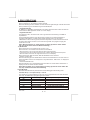
Tips And here is some tips on how to use this touch sense panel:
The pressing or activating of each button actually all you need is a very light touch, even not
really necessary to “PRESS” it. Just touch lightly can be good enough to activate the button.
Except for the power button, you have to touch and hold it for about 2-3 second to power on or
off the unit. Or for some of the buttons which has secondary function which need to touch and
hold it for 2-3 second in order to activate the secondary function.
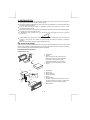
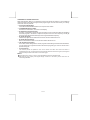
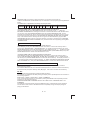
Area to be “TOUCHED” in order to activate the button.
For each button in order to activate it correctly, best “AREA” to touch is the lighted or illuminated
area. For ex, the power button, only just touch the illuminated power symbol. Or for the mute
button, just touch the ILLUMINATE “MUTE” AREA.