1
4.
5.
6.
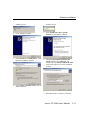
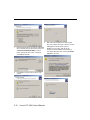
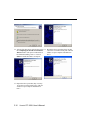
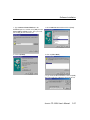
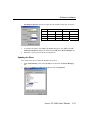
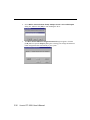
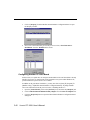
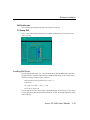
Click the [Close] button in the Network dialog box.
Restart the system.
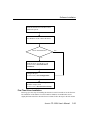
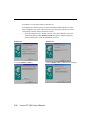
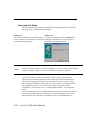
Refer to the instructions given in the “First Time Driver Installation” section to
install the new driver.
Removing the Driver
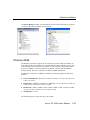
To remove the Smartio CP-168U board driver:
3-42
1.
2.
3.
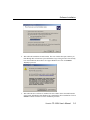
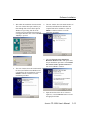
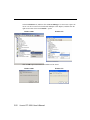
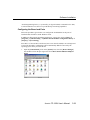
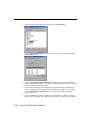
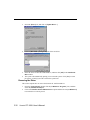
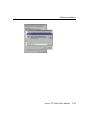
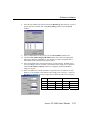
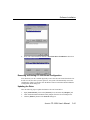
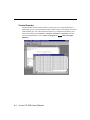
Open the [Control Panel], click on the [Network] icon, and select the [Adapters] tab.
Click on MOXA Smartio/Industio Family Adapter from the Network Adapters list.
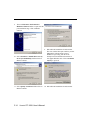
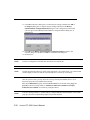
Click the [Remove] button in the Network dialog box.
4.
5.
Click the [Close] button to exit the Network dialog box.
Restart the system to activate the new configuration.
Smartio CP-168U User’s Manual