1
Note
• Some operations may not work with some discs. See the
information accompanying the disc for details.
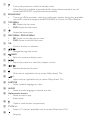
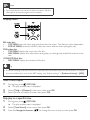
Display menu
BD-video disc
•
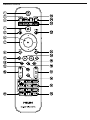
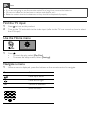
TOP MENU stop the video play and shows the disc menu. This feature is disc-dependent.
•
POP-UP MENU access to the BD-video disc menu without interrupting disc play.
DVD-video disc
•
TOP MENU display the root menu of a disc.
•
DISC MENU display disc information and guide you through the available functions in the
disc.
VCD/SVCD/DivX disc:
•
DISC MENU display the content of the disc.
Tip
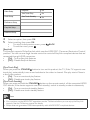
• If the PBC setting is off, the VCD/SVCD skips the menu and starts play from the first title. To display
the menu before play, turn on the PBC setting (see “Adjust settings” > [Preference Setup] > [PBC]).
Select title/chapter
1
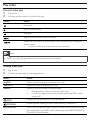
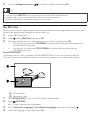
During play, press
OPTIONS.
» The play options menu is displayed.
2
3
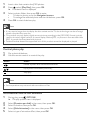
Select [Title] or [Chapter] in the menu, then press OK.
Select the title or chapter number, then press OK.
Skip play to a specific time
1
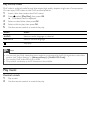
During play, press
OPTIONS.
» The play options menu is displayed.
2
3
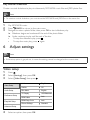
Select [Time Search] in the menu, then press OK.
Press the Navigation buttons (
) to change the time to skip to, then press OK.