1
18 Network configuration
Select the desired language in the language selection
list.
At first, after starting the configuration interface, the
four central areas are displayed:
쎲 In the Status overview area, you get general
information about all connected dLAN, WLAN and
LAN devices.
쎲 You can change or modify the various settings for
your device under Device configuration.
쎲 You can change or modify WLAN settings in the
WLAN configuration area.
쎲 The Management section is for resetting, securing and restoring your individual configurations.
In addition, you can update the firmware of your
dLAN 200 AV Wireless N here.
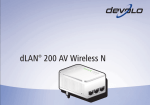
devolo dLAN 200 AV Wireless N