1
7
Twintalker 9500
•
•
•
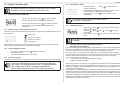
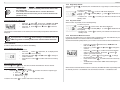
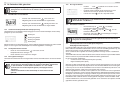
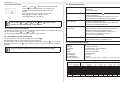
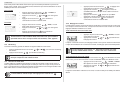
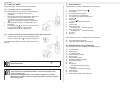
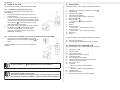
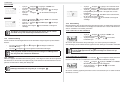
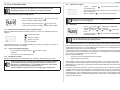
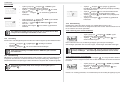
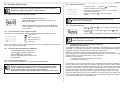
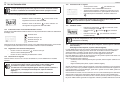
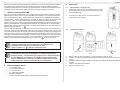
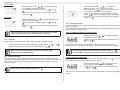
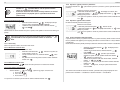
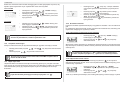
Press the
-button 7 twice : "CTCSS" and the current
CTCSS code flashes on the display.
Press the
-button 11 or the -button 10 to change to
another code.
Press the PTT -button 12 to confirm and return to stand-by
mode.
13.7.2 DCS
•
•
•
•
•
•
•
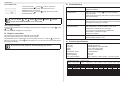
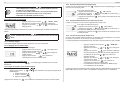
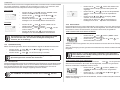
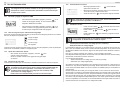
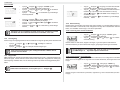
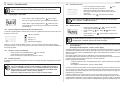
Press the
-button 7 three times : "DCS" and the
current DCS code flashes on the display.
Press the
-button 11 or the -button 10 to change to
another code.
Press the PTT -button 12 to confirm and return to stand-by
mode.
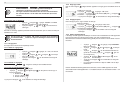
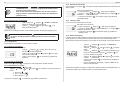
Press the
- button 7 four times, the current VOX
setting flashes on the display and the VOX icon is
displayed.
Press the -button 11 to set the VOX sensitivity level
between 1 and 3 (level 3 is the most sensitive level).
Press the
button 10 until ‘OFF’ appears on the display,
to turn VOX OFF.
Press the PTT - button 12 to confirm and return to stand-by
mode.
13.10 Channel Scan
Channel scan performs searches for active signals in an endless loop from channel 1 to 8.
Once an active channel is found you have the option to search for the CTCSS code or the DCS
code that is set by the user who is broadcasting on the channel.
13.10.1 Scanning for an active radio channel
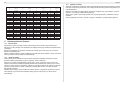
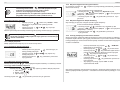
To disable CTCSS or DCS, select code "00" for CTCSS or for DCS in the
menu. When the entry is confirmed, "OF" will be displayed.
•
•
13.8 Monitor
You can use the monitor feature to check for weaker signals in the current channel.
•
•
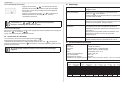
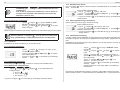
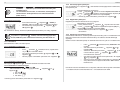
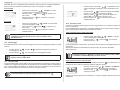
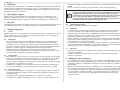
Press the
-button 7 and -button 10 simultaneously to activate channel
monitoring.
Press the
-button 7 to stop channel monitoring.
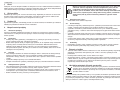
During channel monitoring the receiver circuit in the PMR will not listen to
CTCSS or DCS codes.
13.9 VOX Selection
The PMR is capable of voice activated (VOX) transmission. In VOX mode, the radio will transmit
a signal when it is activated by your voice or other sound around you. VOX operation is not
recommended if you plan to use your radio in a noisy or windy environment.
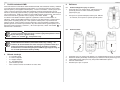
VOX mode will be overrided when you press the PTT - button 12 .
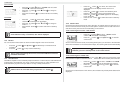
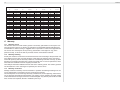
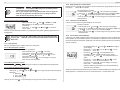
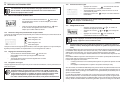
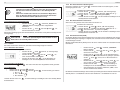
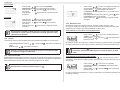
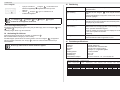
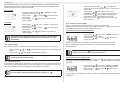
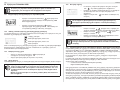
Press the
-button 7 five times : "SCAN" and the
current channel flashes on the display.
Press the
-button 11 or the -button 10 to start the
channel scan.
Once an active channel is found, the scanning will stop and you can listen to the transmission.
When the transmission on the found channel stops, the scanning will resume automatically.
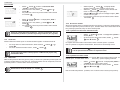
If you press the PTT button 12 while listening to a found channel, the
PMR will go back in stand-by mode on the found channel.
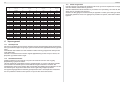
13.10.2 Scanning for a CTCSS code
When an active channel is found press the PTT button 12 to select the found active channel.
Now you have to option to search for the CTCSS/DCS code that is used by the found user.
•
•
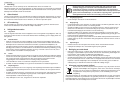
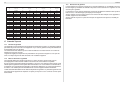
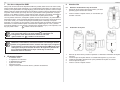
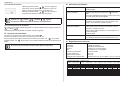
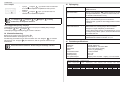
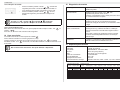
Press the
-button 7 six times : "SCAN" and "CTCSS
00" flashes on the display for the selected radio channel.
Press the
-button 11 or the
-button 10 to start the
CTCSS scan.
Once there is a transmission on the channel, the CTCSS code (if used) will be detected and
displayed.
ENGLISH
13.7.1 CTCSS