1
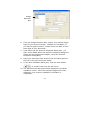
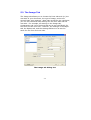
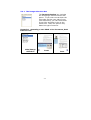
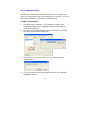
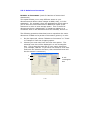
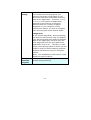
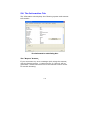
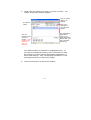
Choose “Unlimited” if you have a batch of long page document
with unknown length. Choose “Enter Length” to enter the
length and width of your documents or your desired scan size
on documents. This is useful when you have a batch of
documents with the same scan size or a batch of same-sized
documents.
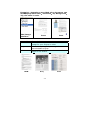
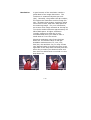
OverScan
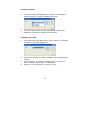
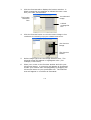
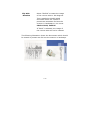
Overscan allows you to add a specific margin at top and bottom
or right and left (Options vary based on the type of scanner) of
the edge of the image. This is used to reduce possible corner
clipping on the skewed images and often applied to a batch of
skewed document to be scanned in the auto document feeder.
Select a value between 0 and +5 mm. Note the overscan
result will not be shown in the Display window and that the
availability of the function varies based on type of scanner.
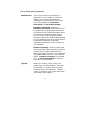
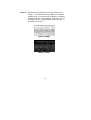
Multi-Feed Detection
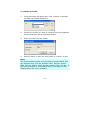
Multi-Feed Detection allows you to detect overlapped document
that go through the auto document feeder. Multi-Feed usually
occurs due to stapled documents, adhesives on documents, or
electro-statically charged document. Note: The availability of
the function varies based on type of scanner.
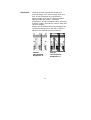
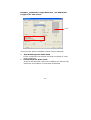
Additional Length Detection
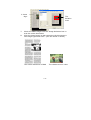
Additional Length Detection allows you to define the length of
document being multi-fed. This value indicates the additional
length exceeding your scan area. The Display window will
show the size of the document as you change the value. A
value of 0 indicates no additional length detection. The
Additional Length Detection is best used when scanning samesize documents in the auto document feeder.
5-27