1
TIME SETTING
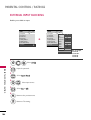
CLOCK SETTING
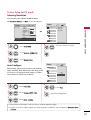
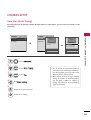
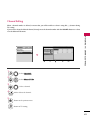
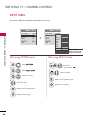
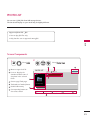
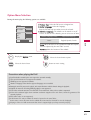
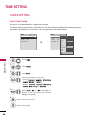
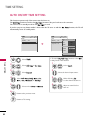
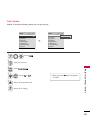
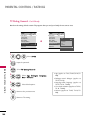
Auto Clock Setup
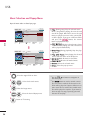
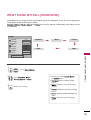
The time is set automatically from a digital channel signal.
The digital channel signal includes information for the current time provided by the broadcasting station.
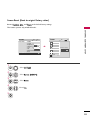
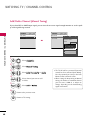
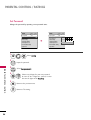
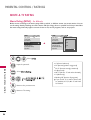
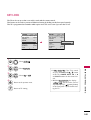
Set the clock manually if the current time is set incorrectly by the auto clock function.
TIME
Move
Enter
Clock
TIME
Move
Enter
F
Clock
Auto
: Off
Off Time
: Off
Year
On Time
: Off
On Time
: Off
Month
2
Date
21
Hour
2 AM
Sleep Timer : Off
Sleep Timer : Off
2008
Minute
10
Eastern
Time Zone
Daylight
Saving
Auto
Close
1
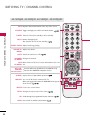
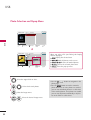
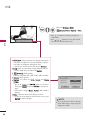
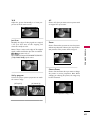
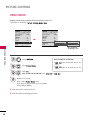
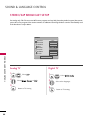
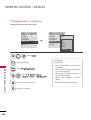
Select T I M E.
TIME SETTING
MENU
2
ENTER
Select C l o c k.
ENTER
Select A u t o.
3
4
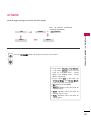
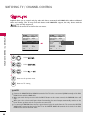
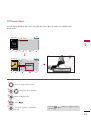
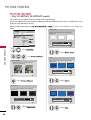
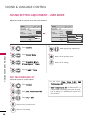
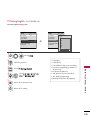
Select your viewing area time zone.
• U.S.A: E a s t e r n , C e n t r a l , M o u n t a i n ,
P a c i f i c, A l a s k a, or H a w a i i.
• Canada: E a s t e r n, C e n t r a l, M o u n t a i n,
P a c i f i c, N e w F . l a n d, or A t l a n t i c.
5
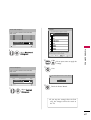
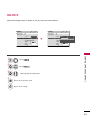
Select A u t o, O n, or O f f (depending on
whether or not your viewing area observes
Daylight Saving time).
6
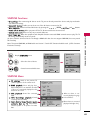
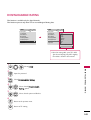
RETURN
MENU
90
G
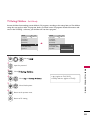
Off Time
Return to the previous menu.
Return to TV viewing.