1
LanScaperPRO_User_Guide.book Page 61 Friday, January 25, 2008 1:14 PM
Chapter 5 Viewing Properties and Modifying Settings
Modifying Unit Settings
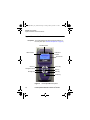
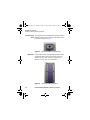
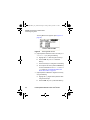
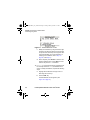
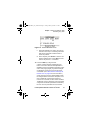
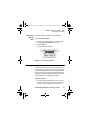
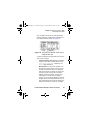
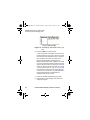
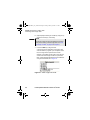
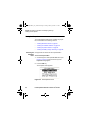
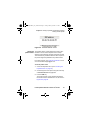
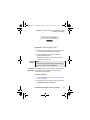
Figure 29 Current Language screen
4
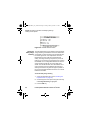
Scroll through the language choices using the arrow
keys until the desired language is displayed.
5
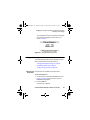
Press the ACCPT key to accept the currently
displayed language option.
The display language is changed, and the user is
returned to the Setup menu.
NOTE
To exit the Change language screen without changing
the display language, press the QUIT key.
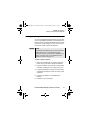
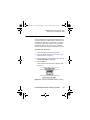
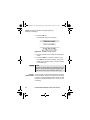
Calibrating The Calibrate Length screen allows the LanScaperPRO
cable length to be calibrated to compensate for variations in the
measurement of cable length.
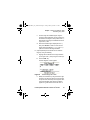
To calibrate cable length
1
Access the Setup menu. (See “Accessing the Setup
menu” on page 59.)
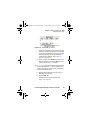
2
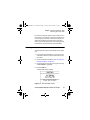
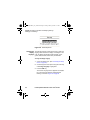
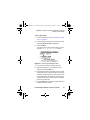
Scroll through the menu options using the arrow keys
until Calibrate Length is highlighted.
LanScaperPRO Network Tester User’s Guide
61