1
AXIS P5532-E/P5534-E - Video
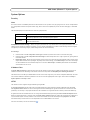
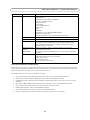
H.264
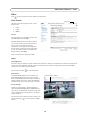
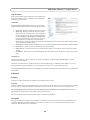
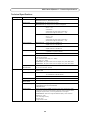
GOV Settings
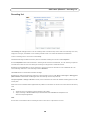
The GOV structure describes the composition of the video stream and setting the GOV-length to a higher value saves
considerably on bandwidth but may have an adverse effect on image quality.
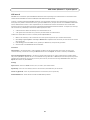
Bit Rate Control
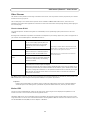
The bit rate can be set as Variable Bit Rate (VBR) or Constant Bit Rate (CBR). VBR adjusts the bit rate according to the image
complexity, using up bandwidth for increased activity in the image, and less for lower activity in the monitored area.
CBR allows you to set a fixed Target bit rate that consumes a predictable amount of bandwidth. As the bit rate would usually
need to increase for increased image activity, but in this case cannot, the frame rate and image quality are affected
negatively. To partly compensate for this, it is possible to prioritize either the frame rate or the image quality whenever the bit
rate needs to be increased. Not setting a priority means the frame rate and image quality are equally affected.
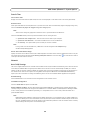
Note:
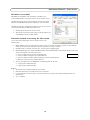
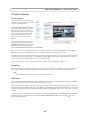
To determine a reasonable bit rate, go to Setup > Video > Video Stream > Image. Under Overlay Settings, check the
Include checkbox and enter the code #b in the Include text: field. The current bit rate will display as a text overlay on
the Live View page.
To preview the image stream while configuring the GOV settings and Bit rate control, select Open under Preview.
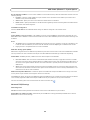
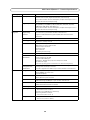
MJPEG
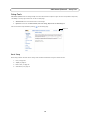
Sometimes the image size is large due to low light or complex scenery. Adjusting the Maximum frame size helps to control
the bandwidth and storage used by the Motion JPEG video stream in these situations. Defining the frame size as Default
provides consistently good image quality at the expense of increased bandwidth and storage usage during low light. Limiting
the frame size optimizes bandwidth and storage usage, but may give poor image quality. To prevent increased bandwidth and
storage usage, the maximum frame size should be set to an optimal value.
15