1
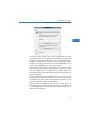
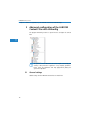
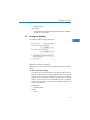
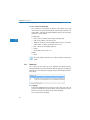
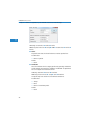
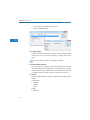
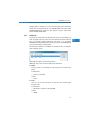
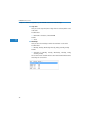
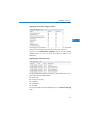
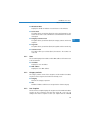
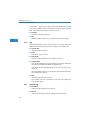
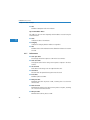
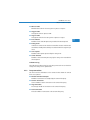
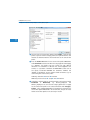
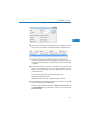
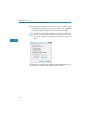
LANCOM Content Filter Chapter 3: Advanced configuration of the LANCOM Content Filter with LANconfig 3.4.2 Blacklist addresses (URL) EN This is where you can configure websites which are to be blocked. LANconfig: Content-Filter Profiles Blacklist addresses (URL) WEBconfig: LCOS menu tree Setup UTM Content-Filter Profiles Blacklists Name Enter the name of the blacklist for referencing from the content-filter profile. Possible values: Blacklist name Default: Blank Address (URL) Access to the URLs entered here will be forbidden by the blacklist. Possible values: Valid URL address The following wildcard characters may be used: * for any combination of more than one character (e.g. www.lancom.* encompasses the websites www.lancom.de, www.lancom.eu, www.lancom.es, etc.) ? * for any one character (e.g. www.lancom.e* encompasses the websites www.lancom.eu, www.lancom.es) 28 Please enter the URL without the leading http://. Please note that in the case of many URLs a forward slash is automatically added as a