1
1. 2. 3. 4. 5. 6. 7. Features
Specifications
Package content
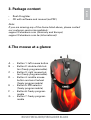
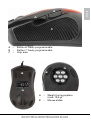
The Mouse at a glance
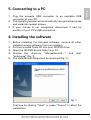
Connecting to a PC
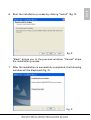
Installing the software
The mouse editor
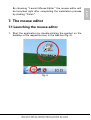
7.1 Launching the mouse editor
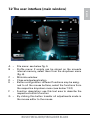
7.2 The user interface (main window)
7.3 The further menus
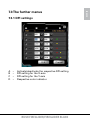
7.3.1DPI settings
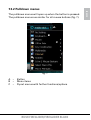
7.3.2Pulldown menus
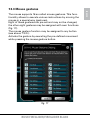
7.3.3Mouse gestures
7.3.4Macro manager
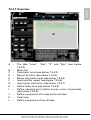
7.3.4.1
Overview
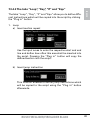
7.3.4.2 The tabs “Loop”, “Key”, “If” and
“Equ”
7.3.4.3
Command icons
7.3.4.4
The record function
7.3.4.5 Macro play back mode
7.3.4.6
Time control
7.3.4.7
Absolute/relative movements
7.3.5 Further functions
Caution laser!
Avoid direct eye contact with the laser beam!
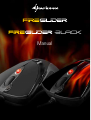
RUSH FIREGLIDER/FIREGLIDER BLACK
ENGLISH
Content