1
TD-W8901G 54M Wireless ADSL2+ Modem Router User Guide
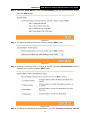
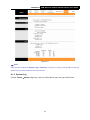
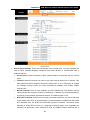
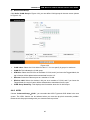
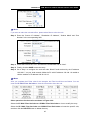
Figure 4-48
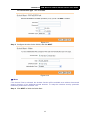
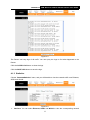
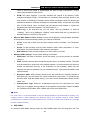
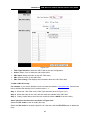
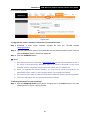
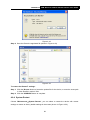
Step 2: Save the file as the appointed file (shown in Figure 4-49).
Figure 4-49
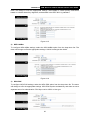
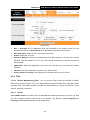
To restore the Router’s settings:
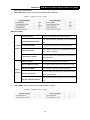
Step 1: Click the Browse button to locate the update file for the device, or enter the exact path
in “New Romfile Location” field.
Step 2: Click the UPGRADE button to complete.
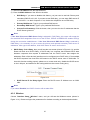
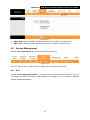
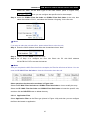
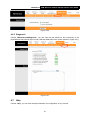
4.6.4 System Restart
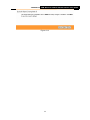
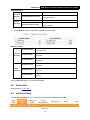
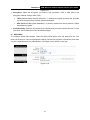
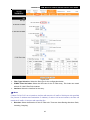
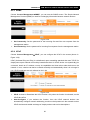
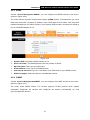
Choose “Maintenance→System Restart”, you can select to restart the device with current
settings or restore to factory default settings in the screen (shown in Figure 4-50).
56