1
78
VISIONEER NETSCAN 4000 USER’S GUIDE
MAKING COPIES
BASIC OPERATION
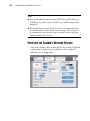
Important!
Before making copies through your printer, please make sure your
printer has been properly connected to the scanner and that the power
of the printer has been turned on FIRST. Otherwise, the copy function
will not work properly.
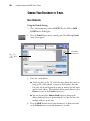
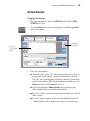
Using the Default Settings
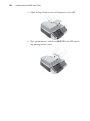
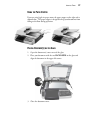
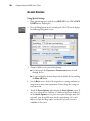
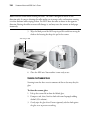
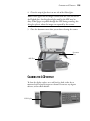
1. Place your document(s) with text FACE UP in the ADF or FACE
DOWN on the flatbed glass.
2.
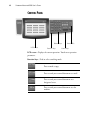
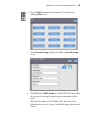
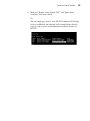
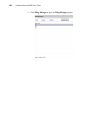
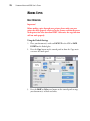
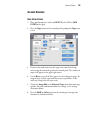
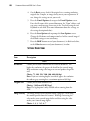
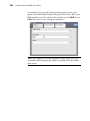
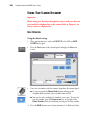
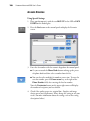
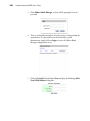
Press the Copy button on the control panel to show the Copy main
screen on the touch panel.
3.
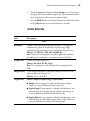
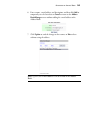
Press the B&W or Color start button on the control panel to copy
your document(s) in black and white.