1
Operation
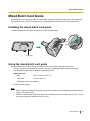
Scanning Documents
Notice
•
Make sure to remove paper clips and staples from documents before scanning. Failing to do so can
damage the unit, document, or both.
•
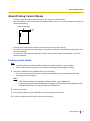
Curled documents may cause a paper jam or damaging the document, therefore, set the document
flat before scanning.
When scanning important documents, confirm that the number of scanned images matches the number
of pages in the document.
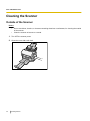
Remove documents from the exit tray after they have been scanned.
•
•
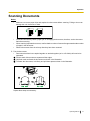
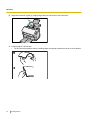
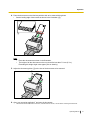
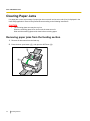
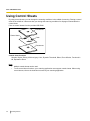
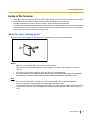
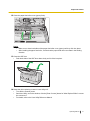
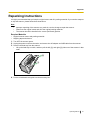
1. Fan the documents.
• Documents that have been stapled together or stacked together (as in a file folder) will need to be
separated.
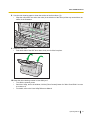
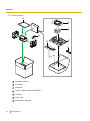
Fan the stack of documents to separate all the edges.
Hold both ends and bend the documents as shown in the illustration.
To flatten the documents, hold firmly and pull them apart as shown in the illustration.
1
2
3
Repeat these steps as necessary.
Operating Manual
19