1
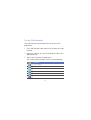
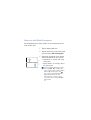
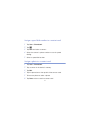
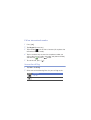
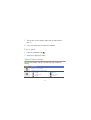
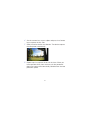
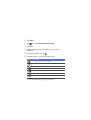
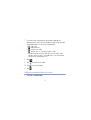
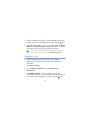
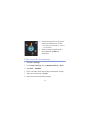
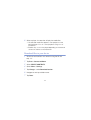
12 Select a player—the one that will play the media files.
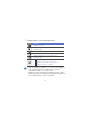
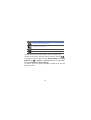
• The media files of the selected folder appear or start
playback on the selected player. You can control playback
using icons of your device.
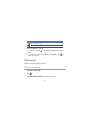
• A buffer may occur on the player depending on the network
connection and the connected server.
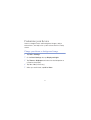
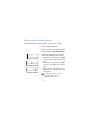
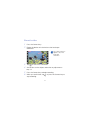
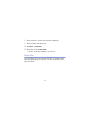
Play files from one device to the other device
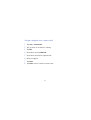
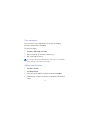
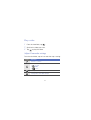
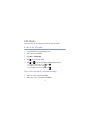
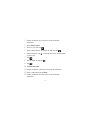
1
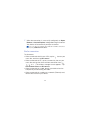
Search for and connect to a network using the WLAN.
X p. 137
2
3
4
5
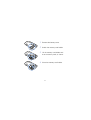
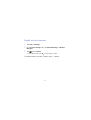
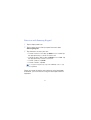
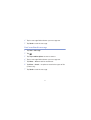
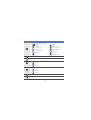
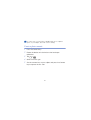
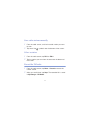
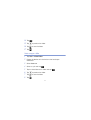
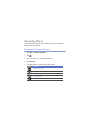
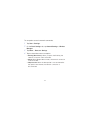
Tap Start > Connected Home.
Select SELECT CONTENTS.
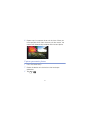
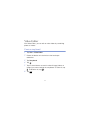
Select a device—the one that contains media files.
Select a folder and locate files.
141