1
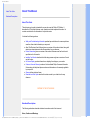
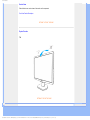
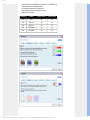
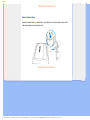
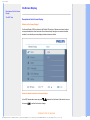
Installing Your LCD Monitor
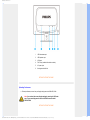
1
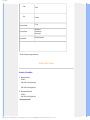
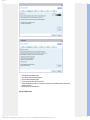
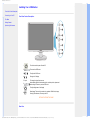
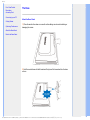
USB downstream port
2
USB upstream port
3
VGA input
4
DVI-D input (available for selective models)
5
AC power input
6
Kensington anti-thief lock
RETURN TO TOP OF THE PAGE
Optimizing Performance
●
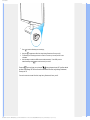
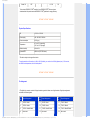
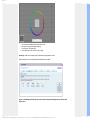
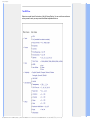
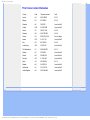
For best performance, ensure that your display settings are set at 1680x1050, 60Hz.
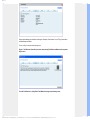
Note: You can check the current display settings by pressing the 'OK' button
once. The current display mode is shown in OSD main controls called
RESOLUTION.
RETURN TO TOP OF THE PAGE
file:///E|/LCD%20Monitor%20OEM/Philips/M1-project/220C1/220C1-EDFU/5B.0V401.001/CD-Contents/lcd/manual/ENGLISH/220C1/install/install.htm 第 2 頁 / 共 3 [98-06-23 09:39]