1
Use the Bluetooth wireless feature
using tools and
applications
Learn how to work with your mobile phone’s tools
and additional applications.
Learn about your phone’s ability to connect to other
wireless devices for exchanging data and using
hands-free features.
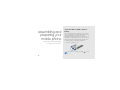
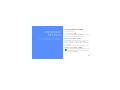
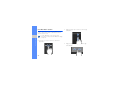
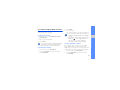
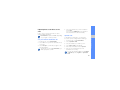
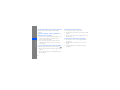
Turn on the Bluetooth wireless feature
1. In Menu mode, select Bluetooth.
2. Select the circle in the centre to turn on the
Bluetooth wireless feature.
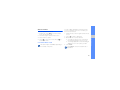
3. To allow other devices to locate your phone,
select More → Settings → On under My
phone’s visibility → a visibility option → Save.
If you selected Custom, set duration that your
phone is visible.
4. Select Save.
57