1
Removing the Old VGA Driver
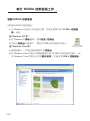
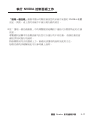
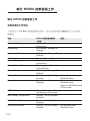
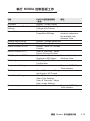
It is recommended that you remove or uninstall your existing display driver
before replacing your old video card with the new one. Here are the
instructions for removing your existing display driver:
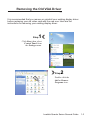
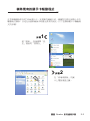
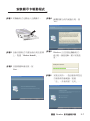
Step
1
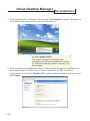
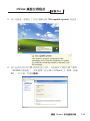
Click Start, then select
Control Panel from
the Settings menu.
Step
2
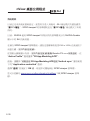
Double-click the
Add or Remove
Programs icon.
Leadtek Quadro Series General Guide
1-3