1
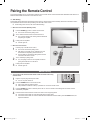
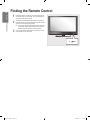
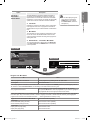
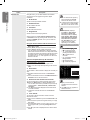
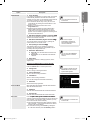
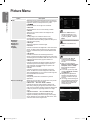
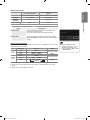
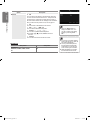
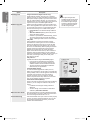
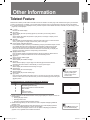
Mini Remote Control The Mini Remote Control is a simplified remote control that consists of the power, channel and volume buttons only. Television Standby button. 4 1 2 3 3 2 < : Next channel / > : Previous channel Getting Started 1 2 3 4 15 English ■ + : Volume increase / – : Volume decrease IrDA transmitter ■ Use the Mini Remote Control so that this part faces the TV. ■ The items color and shape may vary depending on the model. Installing Batteries in the Remote Control Normal Remote Control 1 2 Lift the cover at the back of the remote control upward as shown in the figure. 3 Replace the cover. ■ Remove the batteries and store them in a cool, dry place if you won’t be using the remote control for a long time. (Assuming typical TV usage, the batteries should last for about one year.) 1 2 3 Install two AAA size batteries. ■ Make sure to match the ‘+’ and ‘–’ ends of the batteries with the diagram inside the compartment. Mini Remote Control Turn the battery cover counterclockwise to unlock it and then separate the battery cover. OPEN CLOSE Insert the corresponding 3V Lithium battery. Place the battery cover into the remote control aligning it with the grooves and then turn the battery cover clockwise to lock the cover. ■ If the remote control doesn’t work, check the following: Is the TV power on? Are the plus and minus ends of the batteries reversed? Are the batteries drained? Is there a power outage or is the power cord unplugged? Is there a special fluorescent light or neon sign nearby? OPERATION BN68-01996D_Eng.indd 15 2009-04-22 �� 2:43:44