1
Chapter 7 Setup
>
7.2 Basic Setup
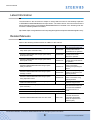
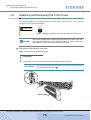
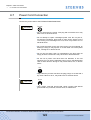
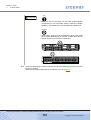
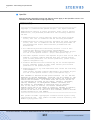
CAUTION
Do
• Data may not be recovered if a disk fails because RAID0
configuration is not redundant. RAID1, RAID1+0, RAID5,
RAID5+0 , and RAID6 are recommended as the RAID level.
Do Not
• RAID groups, volumes, and hot spares are factory set. Disks
which contain RAID groups or volumes, or disks which are hot
spares should not be moved to another slot.
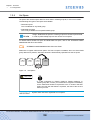
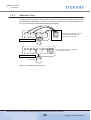
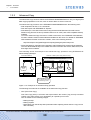
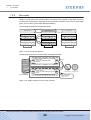
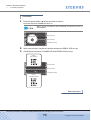
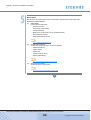
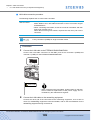
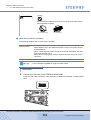
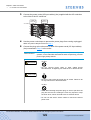
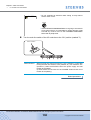
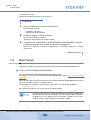
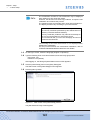
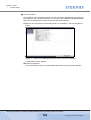
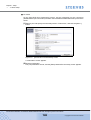
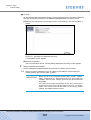
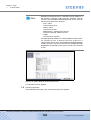
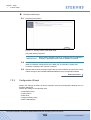
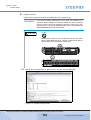
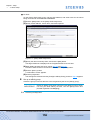
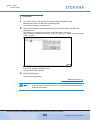
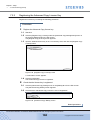
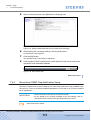
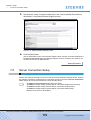
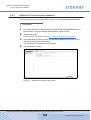
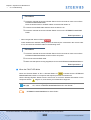
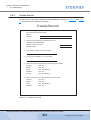
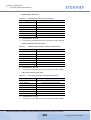
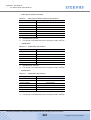
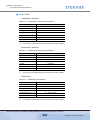
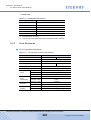
2-1 Select the RAID group creating method on the [Create RAID Group] screen, and click
the [Next >] button.
When "Select existing RAID Group" is selected, move on to Step 3.
P3AM-3042-06ENZ0 ETERNUS DX60/DX80/DX90 Disk storage system User Guide
151
Copyright 2010 FUJITSU LIMITED