1
5
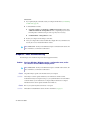
6
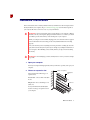
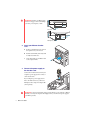
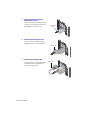
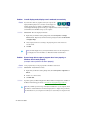
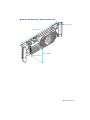
Insert your Matrox output card
a
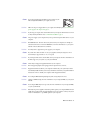
Position your Matrox output card over
the expansion slot you’ve chosen.
b
Push the card in firmly and evenly until
it’s fully seated in the slot.
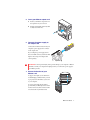
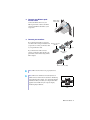
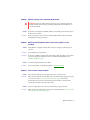
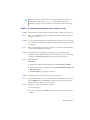
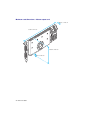
Connect the power supply to
the output card
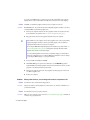
Connect the 12V AUX connector from your
computer’s power supply to the connector
on the output card.
If your computer’s power supply doesn’t
have a 12V AUX connector you’ll need a PCI
Express video card power adapter cable
(sold separately).
WARNING: To avoid personal injury and to prevent damage to your computer or Matrox
hardware, turn off your computer and unplug it before you connect the power supply to
your Matrox product.
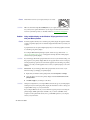
7
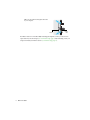
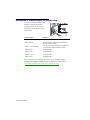
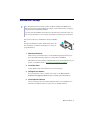
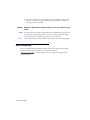
Secure the bracket of your
Matrox card
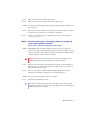
To support the weight of your cable and to
avoid damaging your Matrox card, you need
to properly secure the bracket of your card
to your computer.
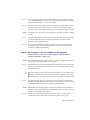
To secure your bracket, slip the washer
provided with your Matrox product over the
monitor connectors, then screw the washer
onto the bracket of your Matrox card.
Matrox User Guide
7