1
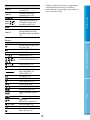
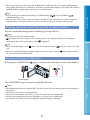
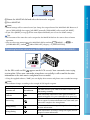
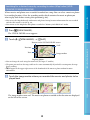
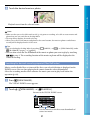
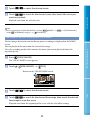
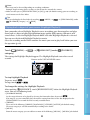
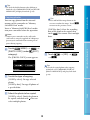
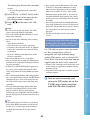
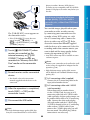
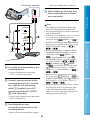
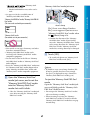
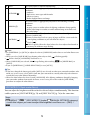
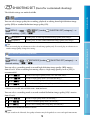
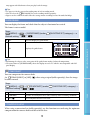
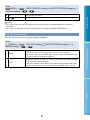
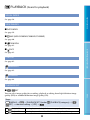
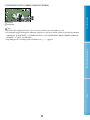
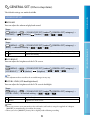
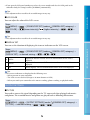
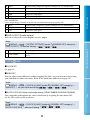
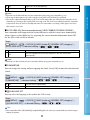
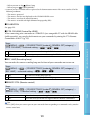
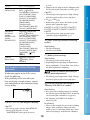
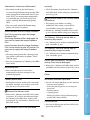
Notes Manual settings will be retained even if you change the assigned item of the MANUAL dial. However, if you set [EXPOSURE] after setting [AE SHIFT] manually, [EXPOSURE] will override [AE SHIFT]. If you select [RESET] in step , all the items adjusted manually are reset to the default settings. Table of Contents Rotate the MANUAL dial and select the item to be assigned. Press MANUAL. Tips The functions of the items that can be assigned to the MANUAL dial are the same as those of menu operation. (MENU) You can also assign menu items to the MANUAL dial by touching [SHOOTING SET] category) [DIAL SETTING]. [OTHER REC SET] (under Useful Recording Techniques Acquiring location information (GPS) (HDR-CX500VE/CX505VE/CX520VE) Set the GPS switch to ON ( appears on the LCD screen). Your camcorder starts trying to triangulate. When your camcorder triangulates successfully, it will record the location information at the time movies and photos were recorded. Using the supplied software, “PMB,” you can display where movies and photos were recorded on a map. Notes The indicator changes according to the strength of GPS signal reception. Triangulating status Function off GPS indicators GPS reception status No indicator The GPS switch is set to OFF, or the GPS receiver is not functioning normally. Your camcorder cannot find a GPS signal, therefore, it cannot triangulate. Use your camcorder in an open area. Processing Your camcorder is confirming the GPS signal, and will be able to acquire location information soon. Wait until your camcorder completes the triangulation. Triangulating Your camcorder is receiving a GPS signal, and can acquire location information. Triangulating Your camcorder is receiving a strong GPS signal, and can acquire location information. 34 Index Difficult