1
Adjusting the Monitor
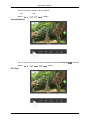
Image Size
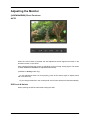
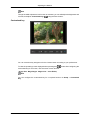
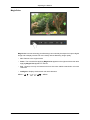
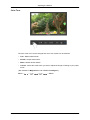
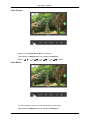
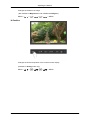
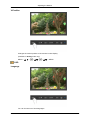
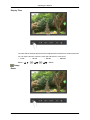
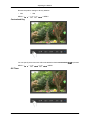
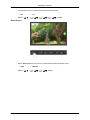
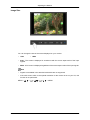
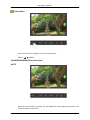
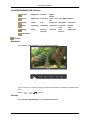
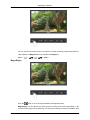
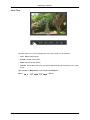
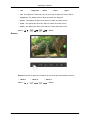
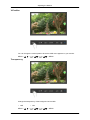
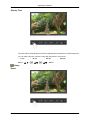
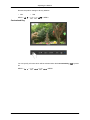
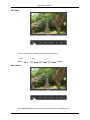
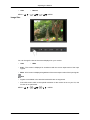
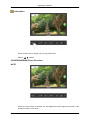
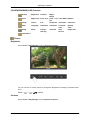
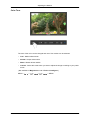
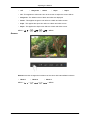
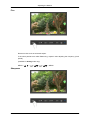
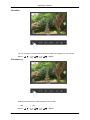
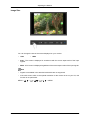
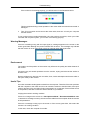
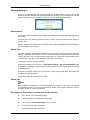
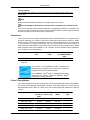
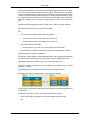
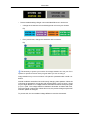
You can change the size of the screen displayed on your monitor.
•
Auto
•
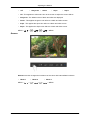
Wide
•
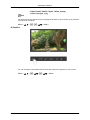
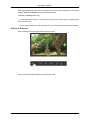
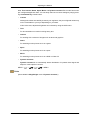
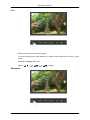
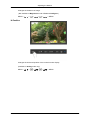
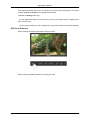
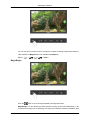
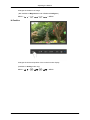
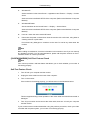
Auto - The screen is displayed in accordance with the screen aspect ratio of the input
signals.
•
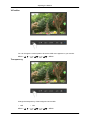
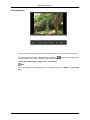
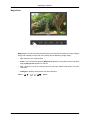
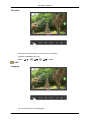
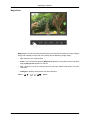
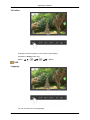
Wide - A full screen is displayed regardless of the screen aspect ratio of the input signals.
Note
•
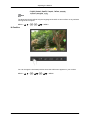
Signals not available in the standard mode table are not supported.
•
If the wide screen which is the optimal resolution for the monitor is set on your PC, this
function is not performed.
MENU →
,
→
→
,
→
→ ,
→ MENU