1
VIVOTEK - A Leading Provider of Multimedia Communication Solutions
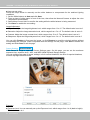
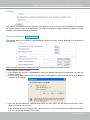
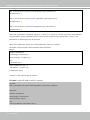
Note that as JPEG only transmits a series of JPEG images to the client, to enable the two-way audio
function, make sure the video mode is set to “MPEG-4” on the Audio and Video Settings page and the
media option is set to “Video and Audio” on the Client Settings page. Please refer to Client Settings on
page 22 and Audio and Video Settings on page 52.
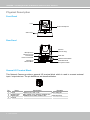
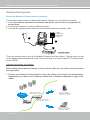
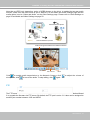
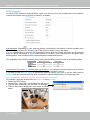
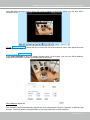
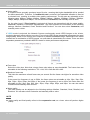
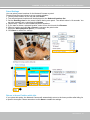
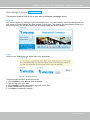
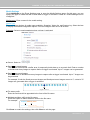
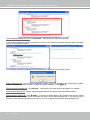
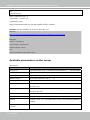
Audio transmitted to operators
America
Audio transmitted from operators
Taiwan
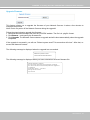
Audio is being transmitted to the Network Camera
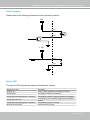
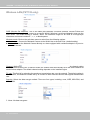
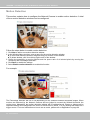
Talk Button Mic Volume
Mute
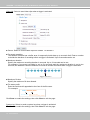
to enable audio transmission to the Network Camera; click
Click
to turn off the audio. To stop talking, click
again.
microphone; click
to adjust the volume of
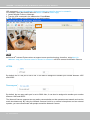
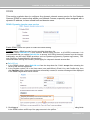
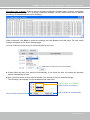
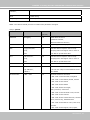
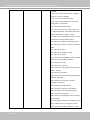
FTP
The FTP server allows the user to save recorded video clips. You can utilize VIVOTEK Installation Wizard
2 to upgrade the firmware via FTP server. By default, the FTP port is set to 21. It also can be assigned to
another port number between 1025 and 65535.
User's Manual - 41