1
Appendix D: Adaptec HostRAID Setup Guidelines
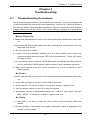
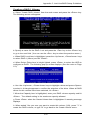
Adding a Bootable Array
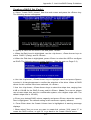
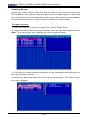
To make an array bootable:
1. From the Main menu, select Manage Arrays.
2. From the List of Arrays, select the array you want to make bootable, and press
<Ctrl> and <B>.
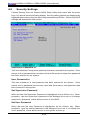
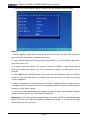
3. Enter Y to create a bootable array when the following message is displayed:
"This will make all other existing bootable array non-bootable. Do you want to make
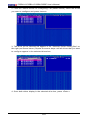
this array bootable? (Yes/No):" Then, a bootable array will be created. An asterisk
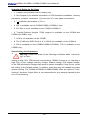
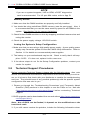
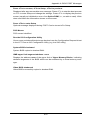
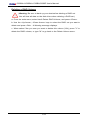
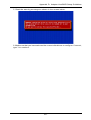
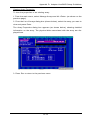
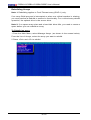
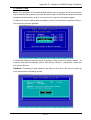
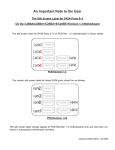
() will appear next to the bootable array (as shown in the picture below:)
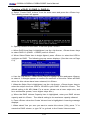
Deleting a Bootable Array
To delete a bootable array:
1. From the Main menu, select Manage Arrays.
2. From the List of Arrays, select the bootable array you want to delete, and press
<Ctrl> and <B>. Note: a bootable array is the array marked with an asterisk (as
shown in the picture above.)
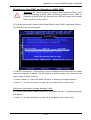
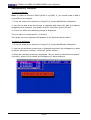
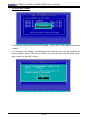
3. When the following message is displayed: "The array is already marked
bootable. Do you want to make this array as not bootable? (Yes/No)," Enter Y to
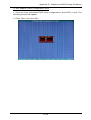
delete a bootable array. The bootable array will be deleted and the asterisk will
disappear.
Note: Do not use the delete key to delete the bootable array.
D-11