1
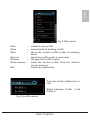
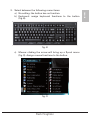
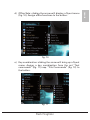
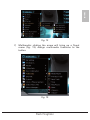
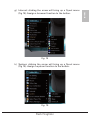
The following context menu will be displayed (fig. 18):
ENGLISH
fig. 18
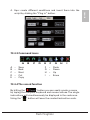
Select between these menu items:
1. Auto Launch on Boot: decides whether the mouse software
shall be loaded and started during system’s start.
2. Mouse-Control Panel: opens the user interface of the mouse
software.
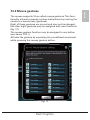
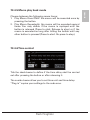
3. Tilt Wheel Setting (fig. 19): define the scroll rate. “OK”
accepts your settings, “Cancel” discards them.
fig. 19
Rush Fireglider