1
MENU →
,
→
→
,
→
→
,
→ MENU
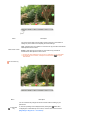
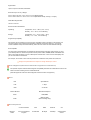
Changes the horizontal position of the monitor's entire
display.
H-Position
Available in analog Mode Only
MENU →
,
→
→
,
→
→
,
→ MENU
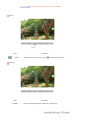
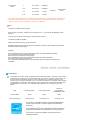
Changes the vertical position of the monitor's entire
display.
V-Position
Available in analog Mode Only
MENU →
,
→
→
,
→
→
,
→ MENU
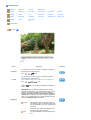
OSD
Menu
Description
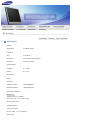
You can choose one of nine languages.
Language
The language chosen affects only the language of the OSD. It
has no effect on any software running on the computer.
MENU →
H-Position
→
,
→ MENU
,
→
→
,
→
→
,
→ MENU
,
→
→
,
→
→
,
→ MENU
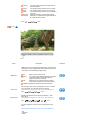
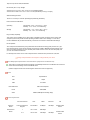
Change the transparency of the background of the OSD.
MENU →
Display Time
→
You can change the vertical position where the OSD menu
appears on your monitor.
MENU →
Transparency
→
You can change the horizontal position where the OSD menu
appears on your monitor.
MENU →
V-Position
,
,
→
→
,
→
→
,
→ MENU
The menu will be automatically turned off if no adjustments are
made for a certain time period.
You can set the amount of time the menu will wait before it is
turned off.
- 5 Sec, 10 Sec, 20 Sec, 200 Sec
Play/Stop