1
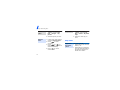
Send messages
2. Enter the message text and
press [
].
3. Enter destination numbers.
4. Press [
message.
Send a
multimedia
message
(MMS)
] to send the
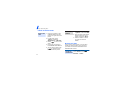
1. In Idle mode, press <Menu>
and select Messages →
Create new message →
Multimedia message.
2. Select Subject.
3. Enter the message subject
and press [
].
4. Select Image or video or
Music or Sound.
Step outside the phone
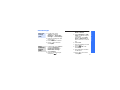
Send a text
message
(SMS)
1. In Idle mode, press
<Menu> and select
Messages → Create new
message → Text message.
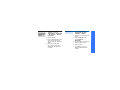
5. Select Add image or Add
video and add an image or
a video clip.
Alternatively, select Add
music or Add sound and
add a music file or a sound
clip.
6. Select Text.
7. Enter the message text and
press [
].
8. Press <Options> and
select Send.
9. Enter destination numbers
or addresses.
10.Press [
message.
] to send the
23