1
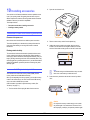
6
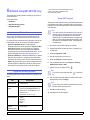
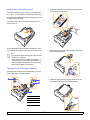
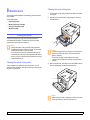
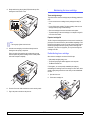
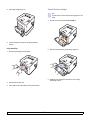
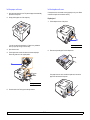
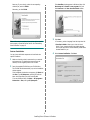
Replace the control board cover.
7
Reconnect the power cord and printer cable, and turn the machine
on.
Note
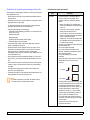
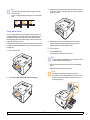
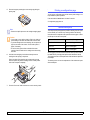
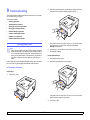
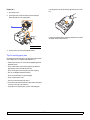
To release the memory module, pull the two tabs on the
sides of the slot outwards, then the module springs out.
Activating the added memory in the PS printer
properties
After installing the memory module, you need to select it in the printer
properties of the PostScript printer driver in order to use it.
1
Make sure that the PostScript printer driver is installed on your
computer. For details about installing the PS printer driver, see
Software section.
2
Click the Windows Start menu.
3
For Windows 2000, select Settings and then Printers.
For Windows XP/2003, select Printers and Faxes.
For Windows Vista, select Control Panel → Hardware and Sound
→ Printers.
4
Select the Samsung ML-2850 Series PS printer.
5
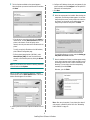
Click the right mouse button on the printer icon and select
Properties.
6
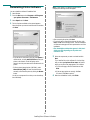
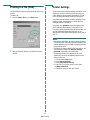
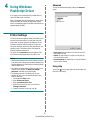
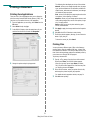
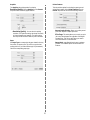
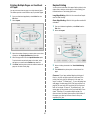
For Windows 2000/XP/2003/Vista, select Device Settings.
7
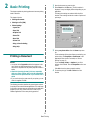
Select the amount of memory you installed from Printer Memory in
the Installable Options section.
8
Click OK.
10.2
<Installing accessories>