1
Select Language
Main Page
Model
Safety Instructions
Notational
Power
Installation
Clean
Others
Introduction
The color and appearance of the product may vary depending on the model, and the product specifications are
Connections
subject to change without prior notice for reasons of performance enhancement.
Using the Software
Adjusting the LCD Display
Safety Instructions
Troubleshooting
Notational
Specifications
Information
Appendix
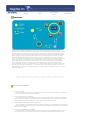
Please read the following safety instructions as they are designed to prevent damage to property and
harm to the user.
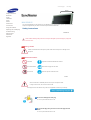
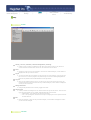
Warning / Caution
Failure to follow directions noted by this symbol could result in bodily harm or damage to the
equipment.
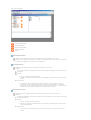
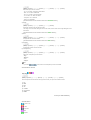
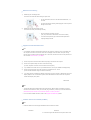
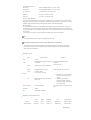
Notational Conventions
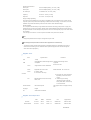
Prohibited
Important to read and understand at all times
Do not disassemble
Disconnect the plug from the outlet
Do not touch
Ground to prevent an electric shock
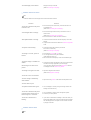
Power
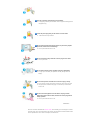
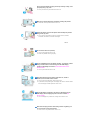
When not used for an extended period of time, set your computer to DPM.
If using a screen saver, set it to active screen mode.
The images here are for reference only, and are not applicable in all cases (or countries).
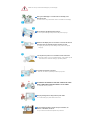
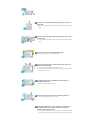
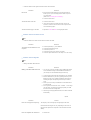
Do not use a damaged or loose plug.
z This may cause electric shock or fire.
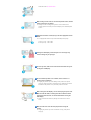
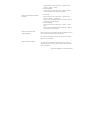
Do not pull the plug out by the wire nor touch the plug with wet
hands.
z This may cause electric shock or fire.