1
4
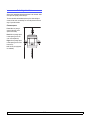
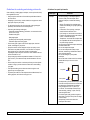
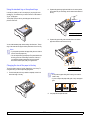
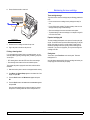
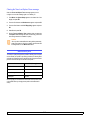
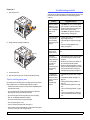
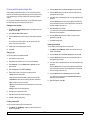
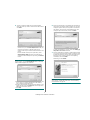
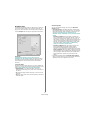
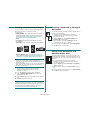
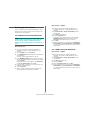
Align the connector on the wired network interface card with the
connector on the control board. Push the card firmly into the
connector on the control board until it is completely and securely in
place.
Using the hard disk
Installing the hard disk allows the data from your computer to be sent to
the print queue of the printer hard disk. This decreases the workload of
the computer. You can also use various print features, such as storing a
job in the hard disk, proofing a job, and printing private documents.
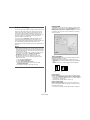
Installing the hard disk
1
For order information, see page 7.1.
2
1
2
5
Review the precautions on page 10.1.
wired network connector
1
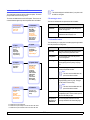
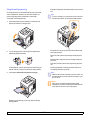
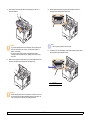
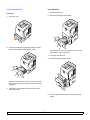
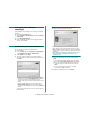
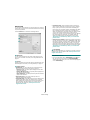
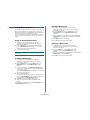
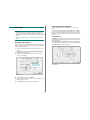
Turn the printer power off and unplug the power cord and printer
cable from the printer.
2
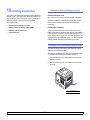
Remove the duplex-slot cover or the duplex unit from the back of
the printer.
wired network interface card
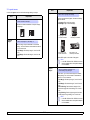
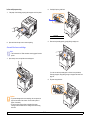
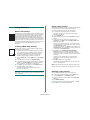
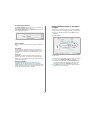
Insert and tighten the two screws supplied with your network card.
1
1
3
6
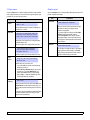
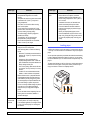
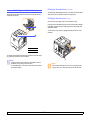
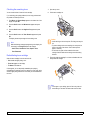
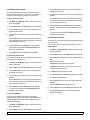
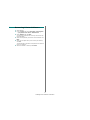
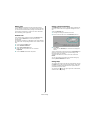
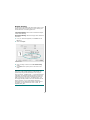
Close the control board cover by aligning the groove on it with the
notch on the printer and sliding it.
7
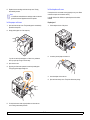
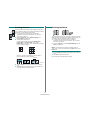
Reinstall the duplex-slot cover or the duplex unit.
8
Reconnect the power cord and printer cable (if necessary), and turn
the printer on.
10.4
duplex-slot cover
Grasp the control board cover and remove it.
<Installing accessories>