1
Multimedia Browser
EN
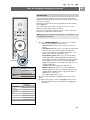
The Multimedia browser lets you display pictures, movies or
play audio files stored on a USB device.The Multimedia browser
application is invoked from the main menu.
-Following file formats can be reproduced:
for pictures: JPEG
for audio: MP3, MP3 Pro, LPCM
for video: MPEG1, MPEG2
- Only FAT/DOS-formatted memory devices are supported.
- Philips can not be held responsible if your USB device is not
supported.
a
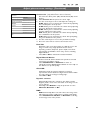
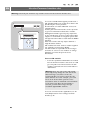
To view content from a USB device
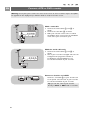
Tip: if your USB device does not fit into the USB connector at
the side, use an USB extend cable to connect the USB device
to the USB port. Ask your dealer for more information.
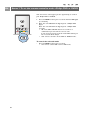
To insert a USB device
Note: USB devices are not supplied with this TV.
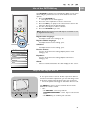
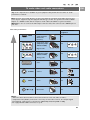
In case of a USB-memory stick or a digital camera, connect
it to the USB connector at the side. See To make video and
audio connections, Side panel overview, p. 40.
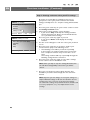
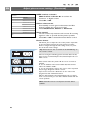
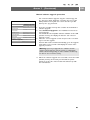
When a USB device is inserted, the Multimedia browser
menu is displayed automatically. See further.
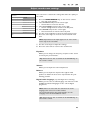
To remove the USB device
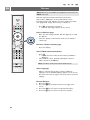
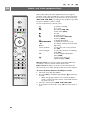
1. Press the MENU/BROWSE key on the remote control to
switch off the main menu.
2. Remove the USB device.
33